
The brand ad studio
Turn any productinto a video ad.50% off
50% off
Write one line. Brandinio writes the script, directs the scenes, voices it, and hands back a finished cut — already in your brand.
30s
9:16
English
Private
Brand
Avatar
Visuals 2
Session settings
BrandImport / Generic
30s
9:16
English
2
Avatar
Settings
≈ 45 creditsbalance 50
Made by the community — Recreate any of these.
01/The studio
Four ways to make something on-brand.
Video came first. Avatars, Canvas, and Lipsync share the same brief, the same brand voice, and the same two review gates.
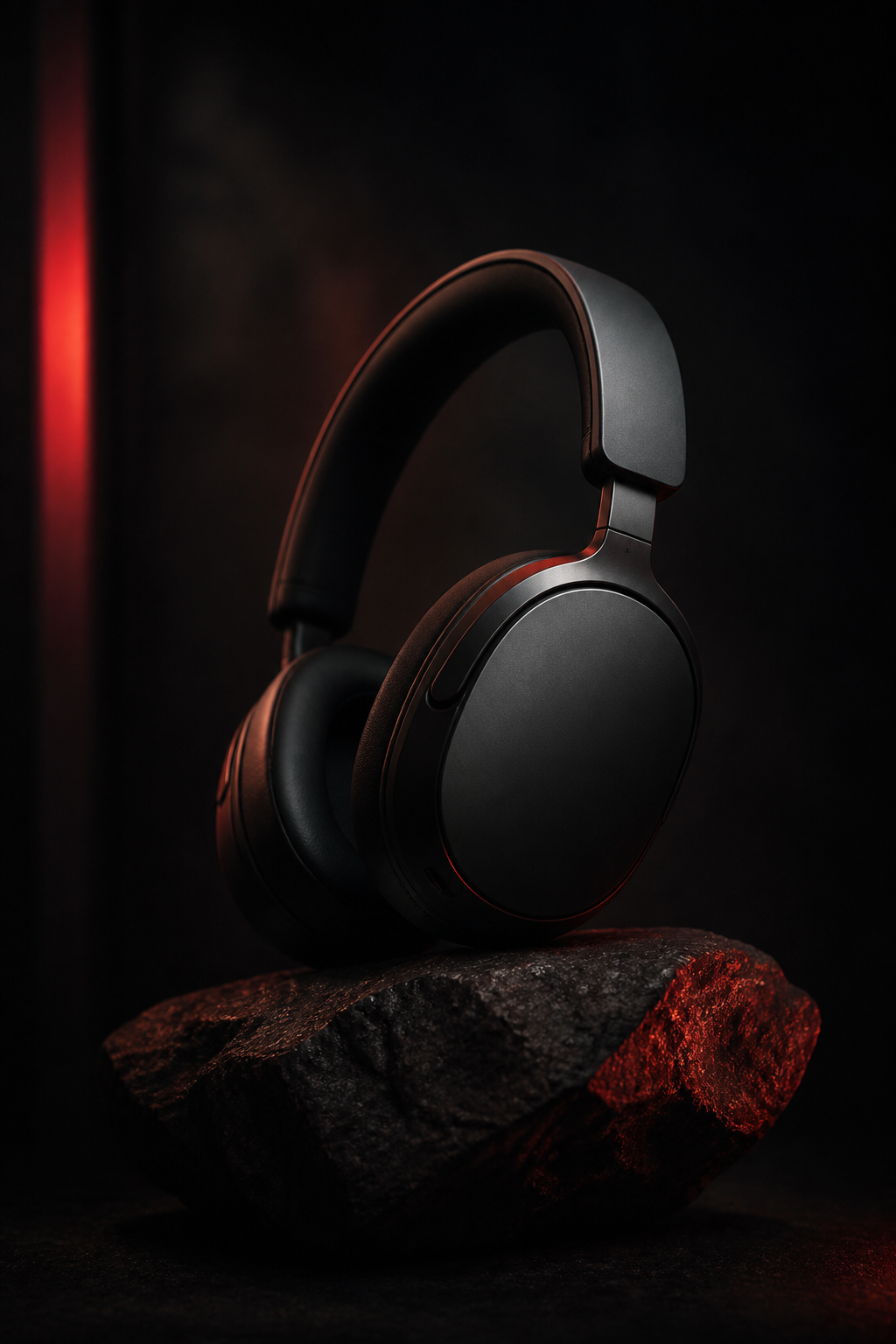
01
Directed video
A script, a director’s plan, narration, and a stitched 1080×1920 cut. The flow Brandinio was built on.
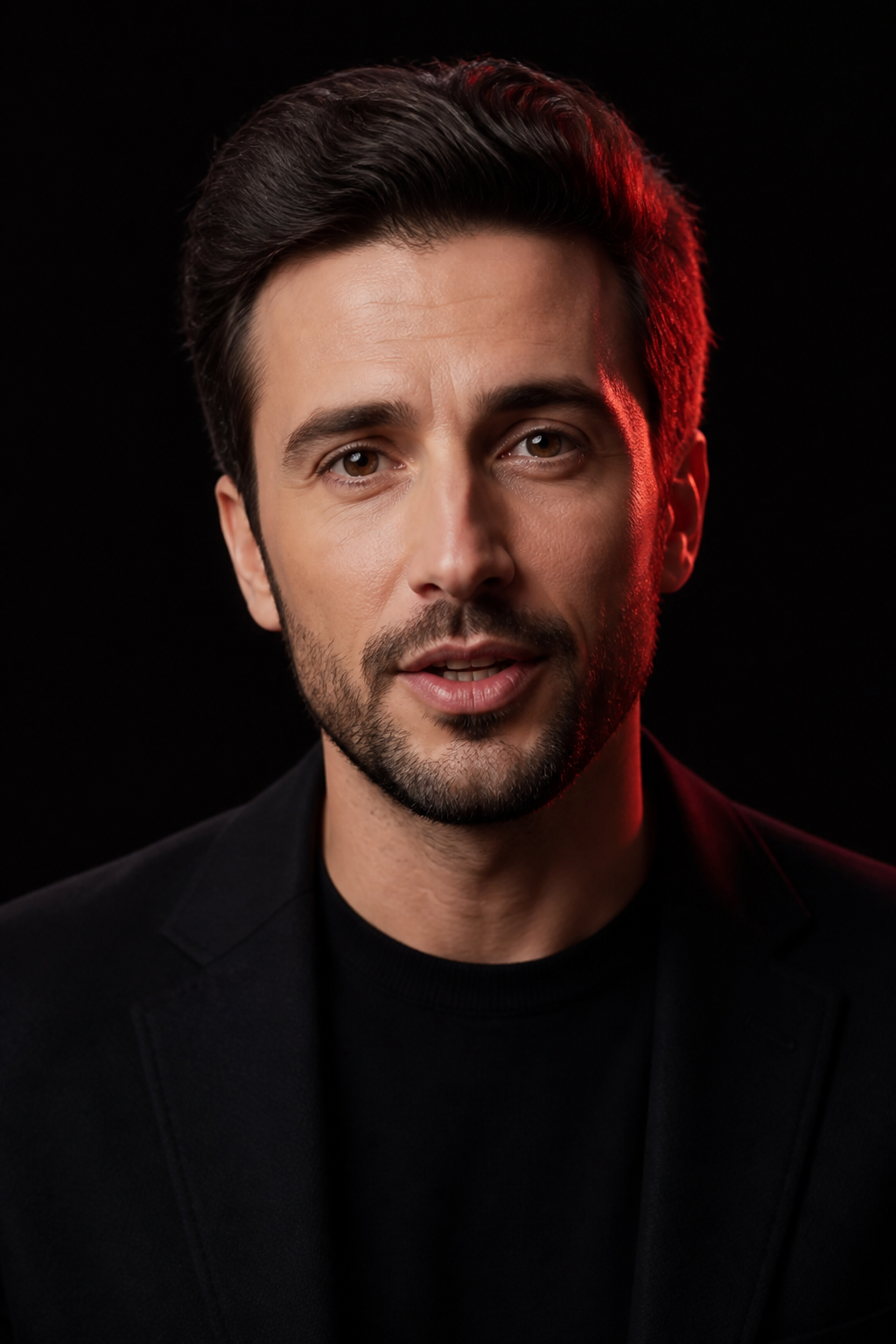
02
Avatars
Pick a face from the catalog or upload your own. It reads your script as a talking head.

03
Canvas
Posts, stories, carousels, banners. Static brand images sized for the exact platform you post to.
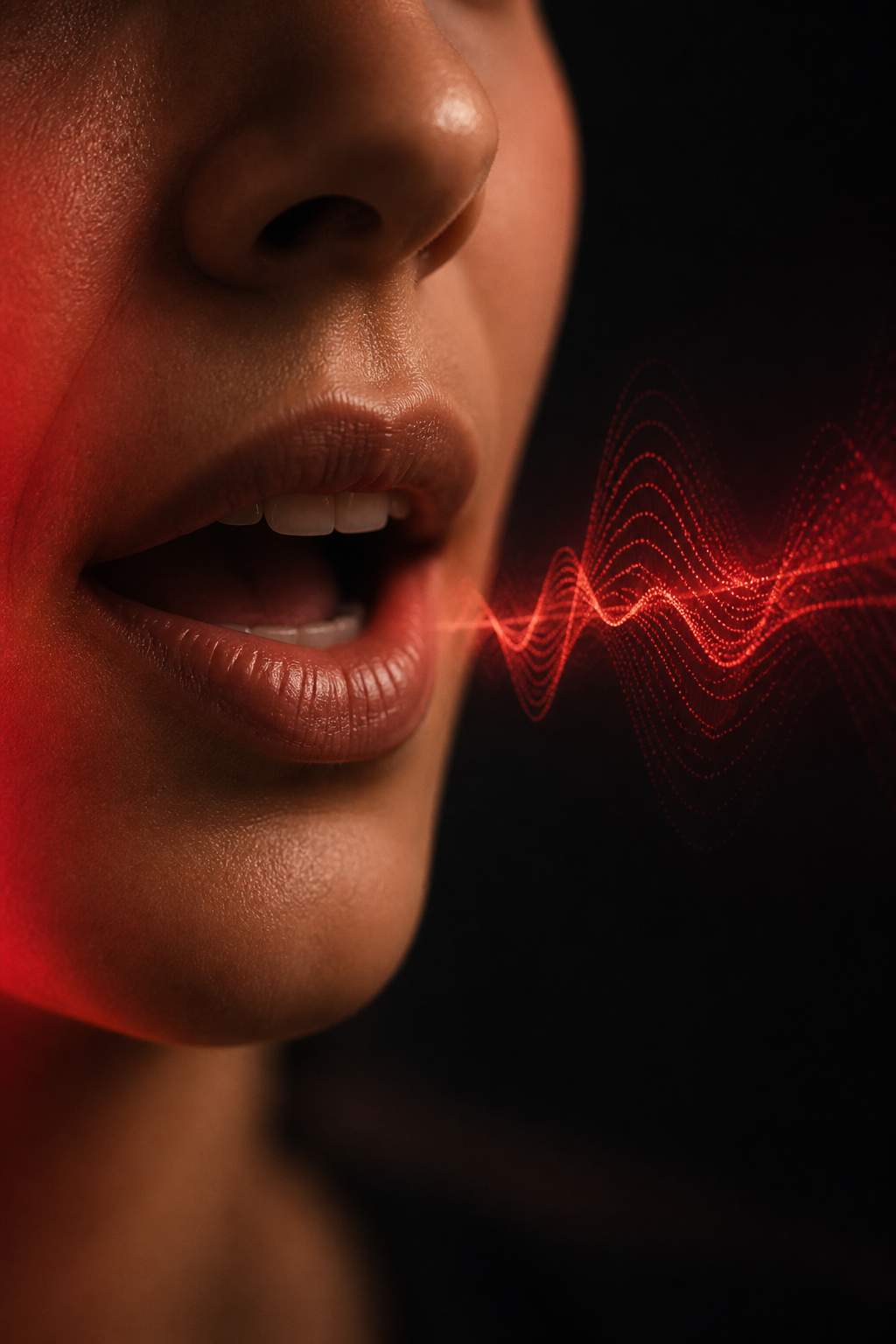
04
Lipsync
Drop in a clip and swap the voice, or lip-sync a scene inside a video job. It lives in the composer.
02/The difference
Most tools hand you a generator.
Brandinio is a brand partner.
Type the same prompt into a raw model and you get a clip that could belong to anyone. Here the brief decides the voice, the pacing, the words on screen, and what never gets said.
A raw generator
a face reading your words
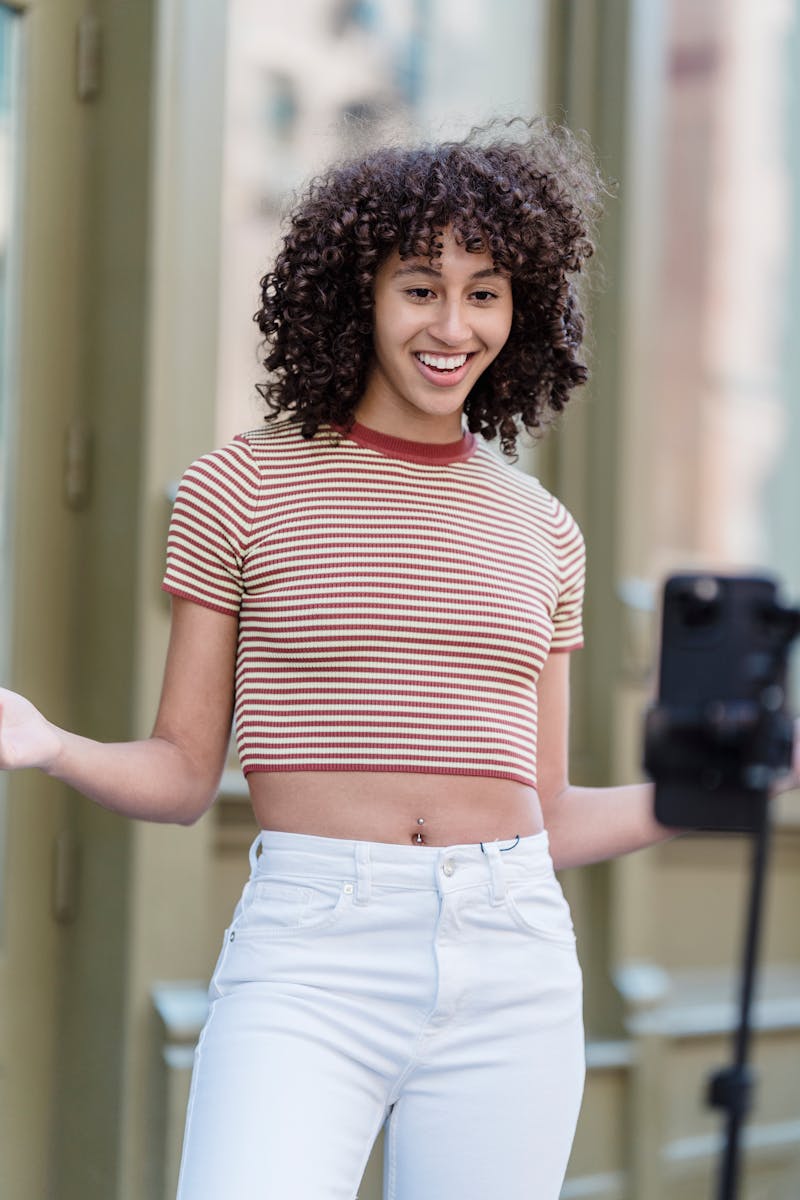
Brandinio
a directed cut that sounds like you
03/The Brandinio idea
Write your brand once.It shows up in everything.
Voice, audience, and the things you would never say go in once. After that you describe a single video, and the brand decides how it sounds. The same brief tints a Canvas image and casts an avatar.
Don't have one written? Paste your website and Brandinio drafts the brief for you — voice, audience, and all — in a few seconds. Edit anything before you use it.
brand_brief.md, injected into every prompt
brand: lairner
voice: calm, capable, never childish. talks to a busy
  adult, not a kid chasing a streak.
audience: working adults learning a language for a
  real reason. a move, a partner, a job.
never: gamified guilt, owl mascots, fake urgency,
  exclamation spam, streaks-as-shame.
always: real sentences, real situations, respect.
ONE BRIEF, THREE OUTPUTS, ONE BRAND
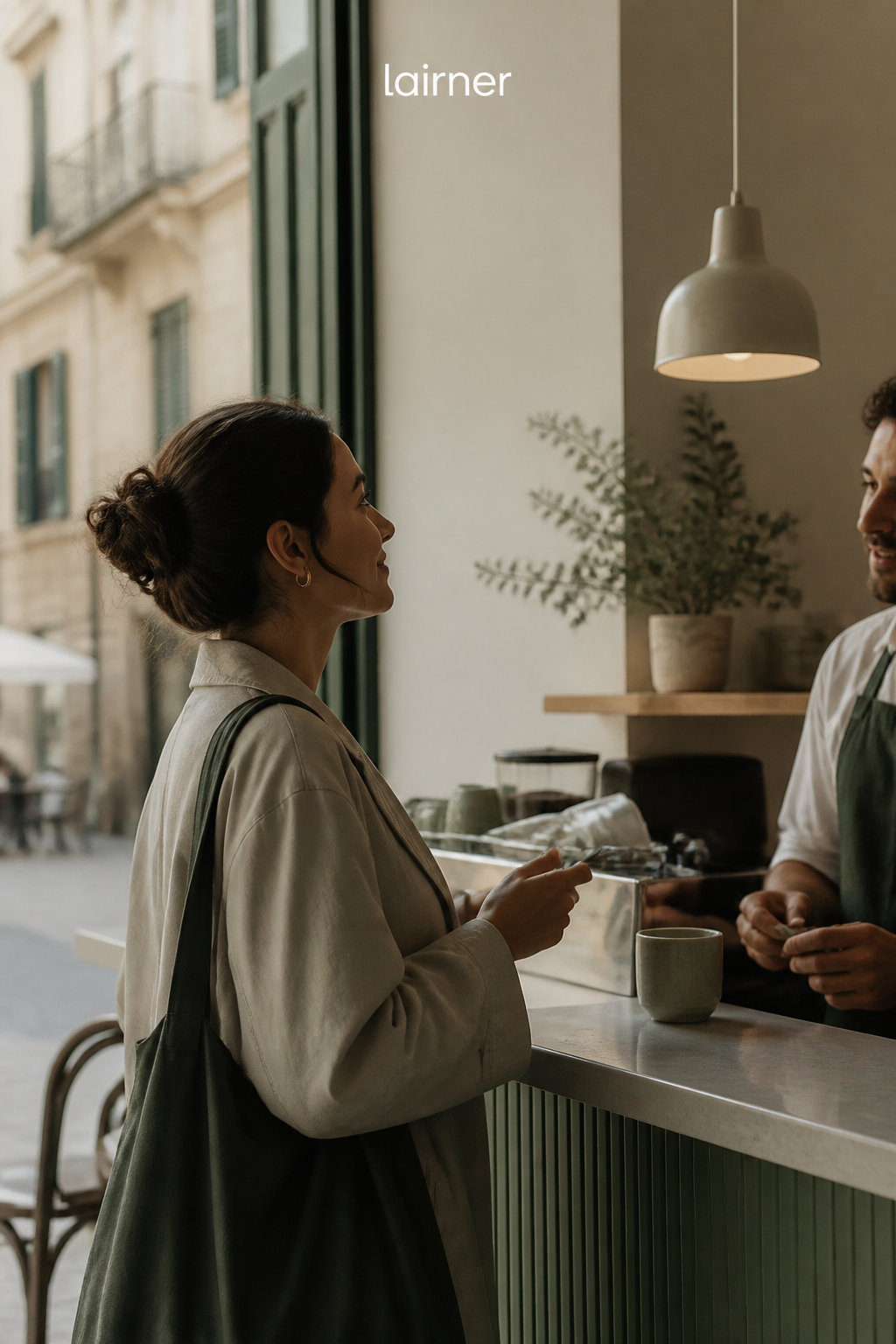
video

canvas
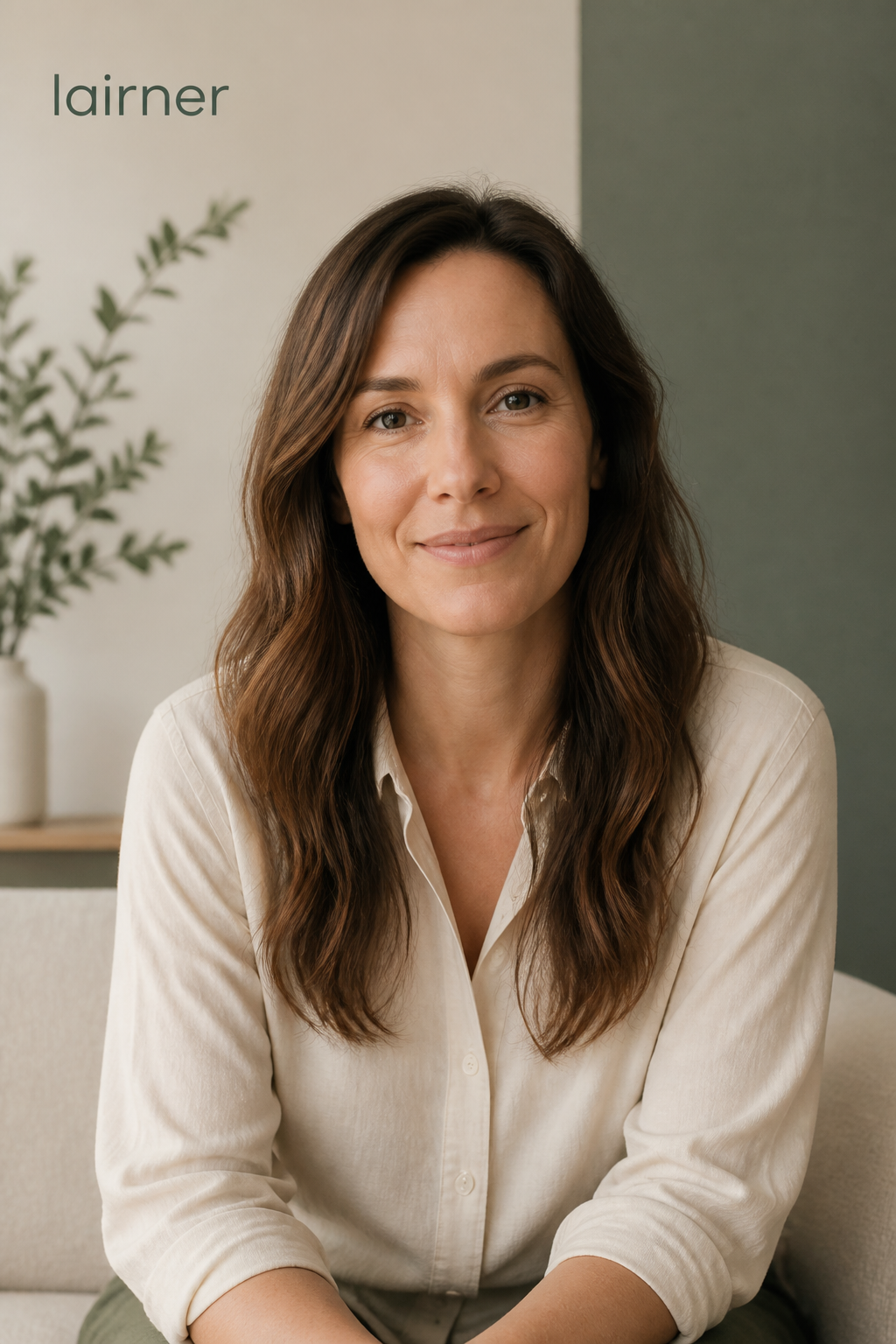
avatar
04/How it works
It is a conversation, not a form.
Type the brief and submit once. The script arrives, you approve it. The director’s plan arrives, you approve that. Then the render lands in the thread.
A 30-second teaser for our new offline mode. Confident, no hype. End on the download line.
lairner
30s
9:16
avatar: off
public
stock + AI
Script ready
68 words · 5 sentences
in band
narrator
Your lessons do not stop when the signal does.
narrator
Offline mode keeps every sentence, every review, ready on the train or the plane.
narrator
Download once. Learn anywhere.
YOUR CALL
Approve
Revise
Director’s plan
4 scenes
S1
stock_image
fade
VOICE_ENG
S2
generated_image
slideup
VOICE_ENG
S3
text_card
cut
VOICE_ENG
YOUR CALL
Approve
Revise
Render
out.mp4 · 1080×1920
Narration, visuals, captions, and the brand logo, stitched and ready to post.
Revise as much as you like — it's free until you approve, and you can edit a single scene instead of redoing the lot. Nothing bills until you approve twice. Prefer hands-off? Turn on auto-approve and it runs end to end.
05/Presets
Start from a preset, not a blank page.
Thirty brand-ready starting points, grouped by what you are making. Load one, change what you need, submit.
Launch
Product launch teaser
Brand
Founder voice note
Proof
Case study, 30s
Education
Feature explainer
Offers
Limited offer
Proof
Before and after
Brand
Hiring and culture
Series
Year in review
06/Avatars
Pick a face. Or bring your own.
Choose from the seed catalog, or upload one reference photo and reuse that avatar across every video you make. It reads the script as a talking head, lips matched to the narration.
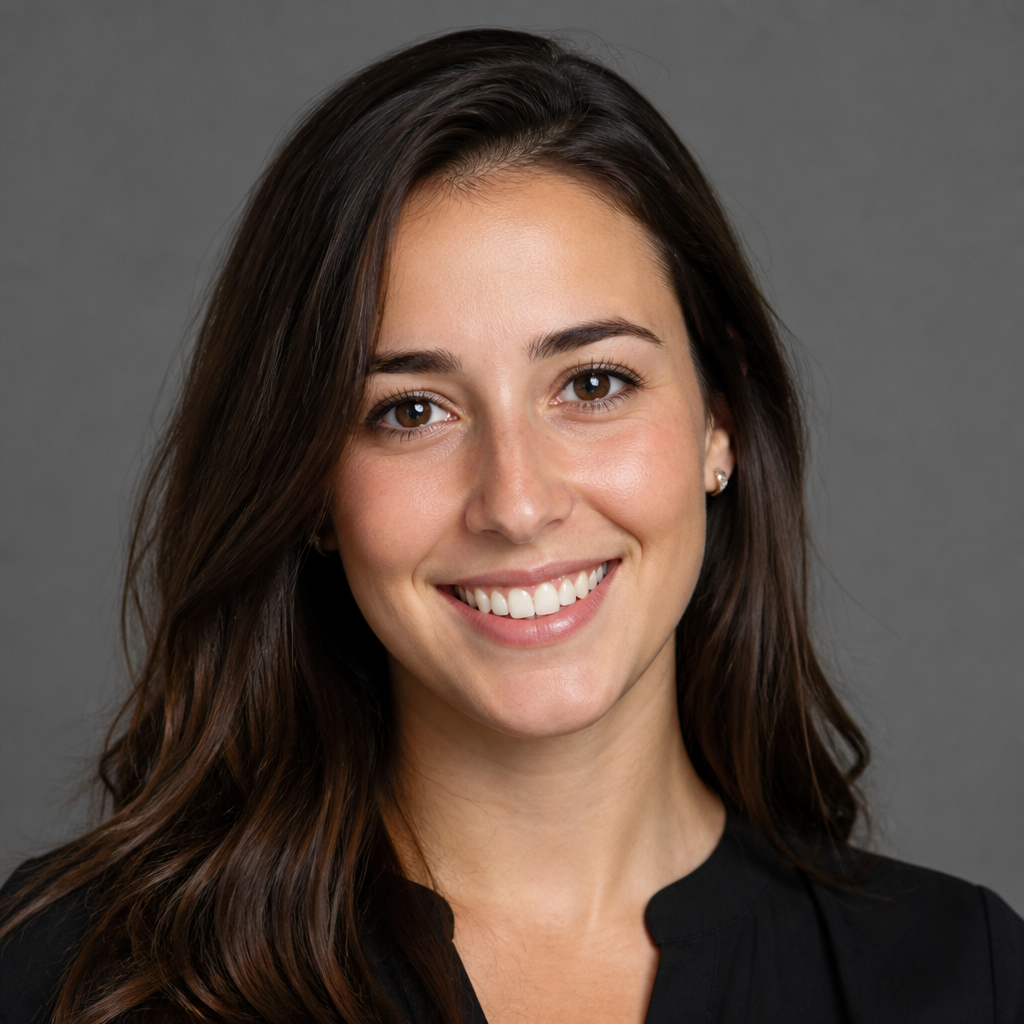
Maya
en
Warm, conversational

Daniel
en
Steady, trustworthy
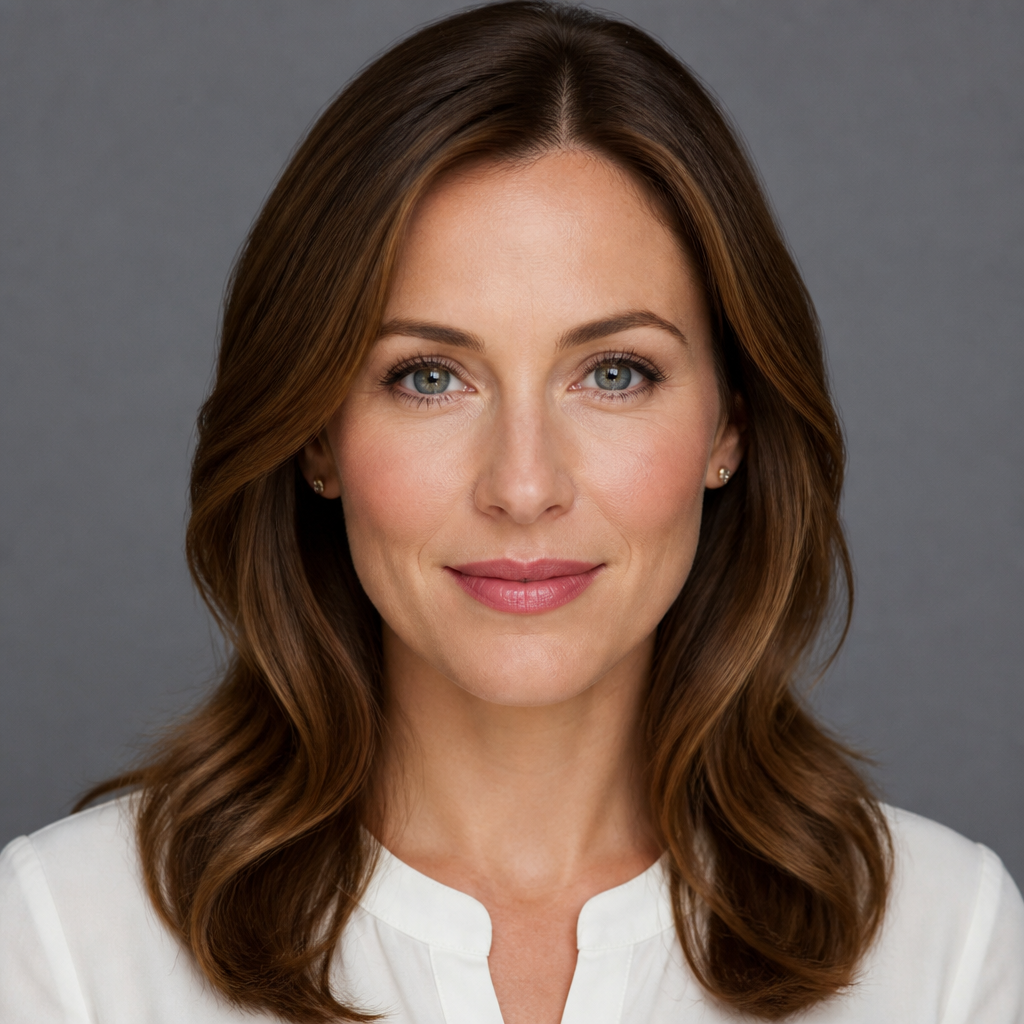
Aria
en
Bright, energetic

Tomas
de
Calm, precise
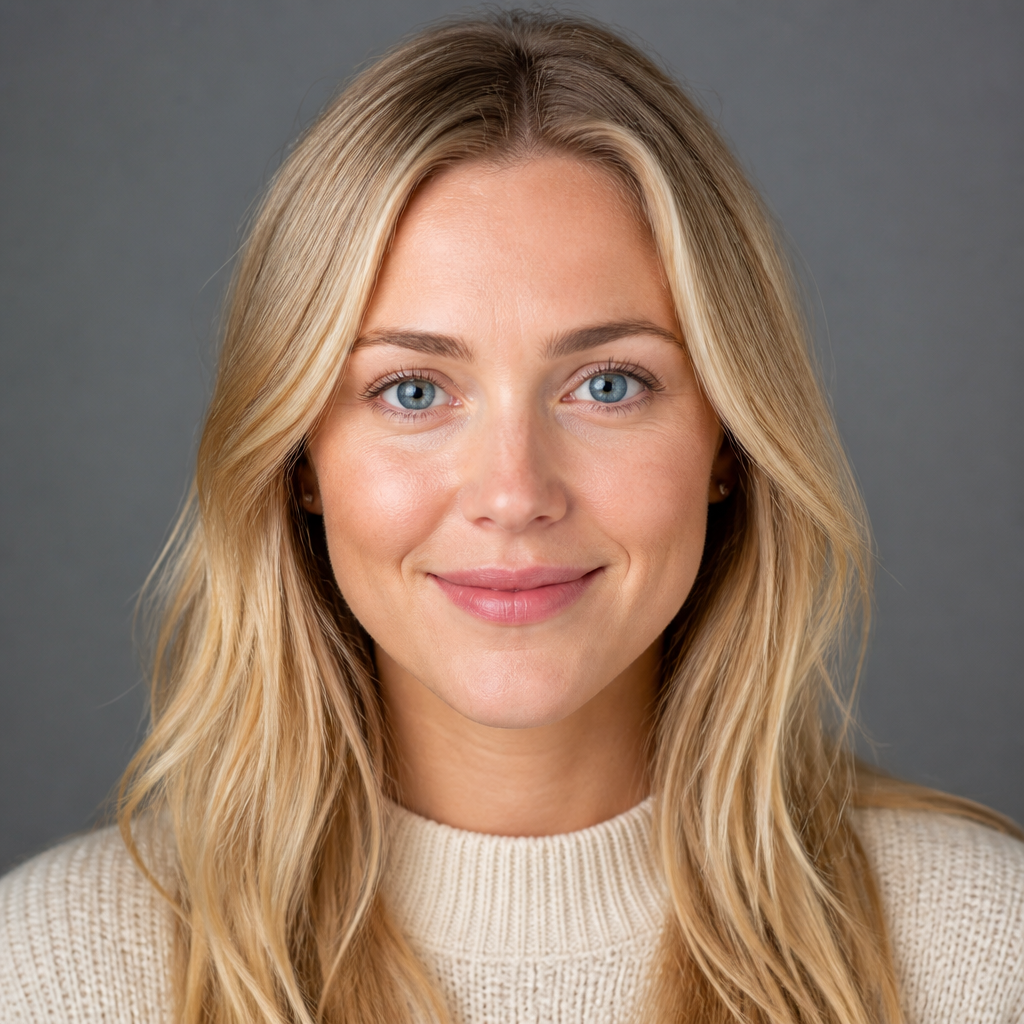
Lisa
sv
Friendly, clear

Gio
it
Expressive, candid
07/Canvas
Not just video. On-brand images too.
Describe it, pick a format, and the brand fills in the colors, the logo, and the type. Out comes a post, a story, a banner, sized for exactly where it is going.

Roasted this week
Instagram post
1080×1080
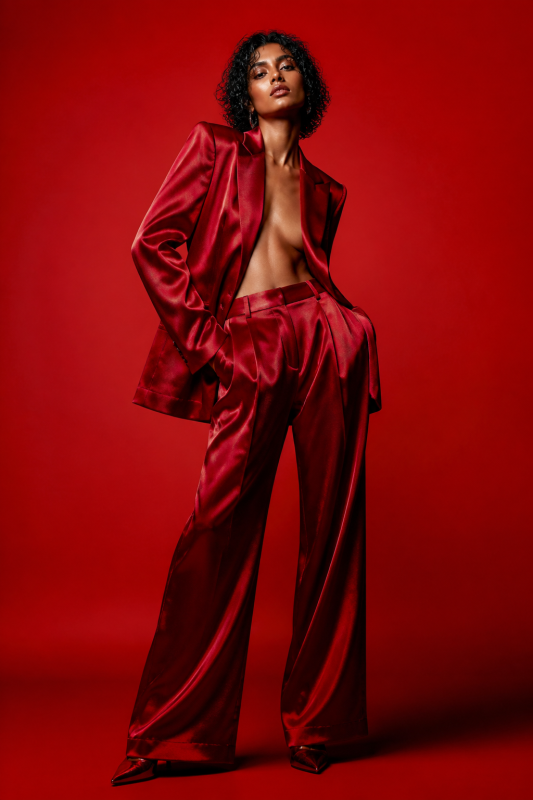
New drop
Story / Reel cover
1080×1920

We just shipped
LinkedIn post
1200×627

Spring update
Email header
1200×400
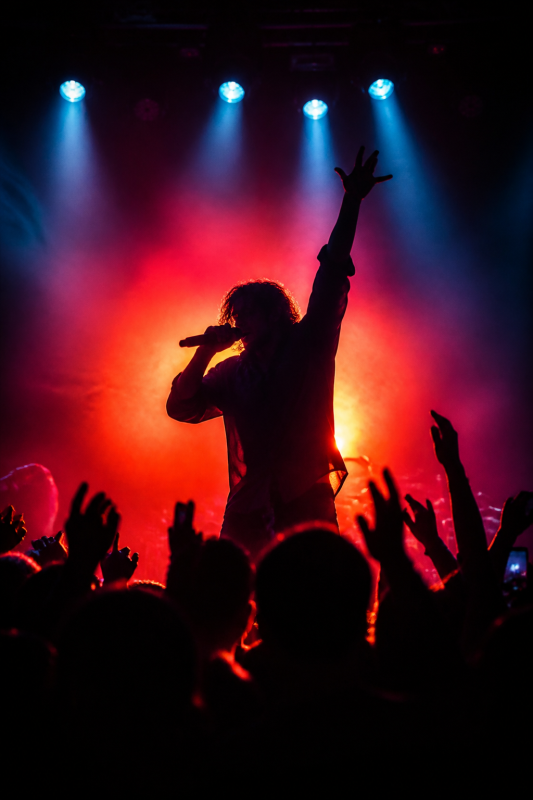
Live, Friday
Poster
1080×1350
08/The gallery
Made with Brandinio.
Mark a render public and it costs about half, carries a small watermark, and joins the community gallery. Browse what others made, then remix anything straight into your own brief.
9:160:30lairner
16:90:30lairner
1:1verdant
9:160:30verdant
1:10:15northpeak
9:16northpeak
9:160:30lairner
9:160:30lairner
16:90:30lairner
1:1verdant
9:160:30verdant
1:10:15northpeak
9:16northpeak
9:160:30lairner
9:160:30lairner

1:1verdant
9:160:30northpeak
9:160:30lairner
16:9lairner
1:10:15verdant
9:160:30lairner
9:160:30lairner
1:1verdant
9:160:30northpeak
9:160:30lairner
16:9lairner
1:10:15verdant
9:160:30lairner
09/The craft
The details a generator skips.
a
Captions built for muted autoplay.
An opaque libass box, positioned per aspect ratio and restylable per brand. Not a thin drop-shadow that disappears on a bright frame.
b
Ken Burns that keeps moving through the cut.
Each clip renders a beat longer than it shows, so the pan never freezes on its last frame during a crossfade. The single hardest thing to get right.
clip = scene + transition
xfade offset = scene_duration
xfade offset = scene_duration
c
Word-count bands, not a guess at seconds.
A model cannot feel 30 seconds, but it can hit a word target. So every length is a band, and the script is checked against it after it is written.
15s
32–38 words
30s
65–75 words
60s
130–150 words
d
One narrator by default. Six voices when a scene needs them.
Most shorts are a single voice, so that is the default. Multi-voice is a deliberate switch, and the director only casts more than one when you ask.
single narrator· default
six-voice roster· opt-in
10/Pricing
50% off every render. Your credits go 2× as far.
ends in 63d 02:10:04
Start with 50 free credits. A private 30-second video runs about 45.
You see the exact price before you spend — it's on the approve button, and nothing bills until you press it. Mark a render public and it costs roughly half. Avatars and AI media are metered on top, stock photos and text cards are free, and a failed render refunds itself.
500
credits
≈ 11 private videos
€0.020/credit
€11.88
€9.90
2,000
credits
≈ 44 private videos
€0.015/credit
€37.08
€30.90
10,000
credits
LOWEST PER CREDIT
≈ 222 private videos
€0.013/credit
€157.08
€130.90
Start free, 50 credits
free to start · no card · public renders cost about half
Bring a brief.Leave with the brand.
Video, avatars, images, all on-brand, all from the same brief. Fifty credits are on us.
50% off every render this launch month — 63d 02:10:04 left.